Category: bursary funding
Updated: 2026
Target Audience: South African students applying for NSFAS funding for 2027
NSFAS 2027 applications are now open, and students who need financial assistance for the 2027 academic year should prepare their applications carefully.
One document applicants need to pay attention to is the NSFAS 2027 Consent Form. It is only one page, but NSFAS has specific requirements for completing and signing it.
According to the current NSFAS application information, applications for the 2027 academic year opened on 18 September 2026 and close on 31 October 2026.
What is the NSFAS 2027 Consent Form?
The consent form allows NSFAS to verify information provided during the funding application process.
For the 2027 application cycle, the form is identified as APP2027. Applicants should use the current version provided by NSFAS instead of reusing a form from a previous application year.
The safest place to obtain the form and related application information is the official NSFAS website.
How to complete the form correctly
NSFAS provides clear instructions for completing the consent form.
Applicants should print the form and complete it by hand. The information must be written in capital letters using black ink.
Electronic signatures are not accepted, so applicants should not use a digital signing tool when completing the document.
The required people must also sign the form. This includes the applicant and, where applicable, the relevant parent or legal guardian. Married applicants should check the spouse section and provide the required spouse signature where applicable.
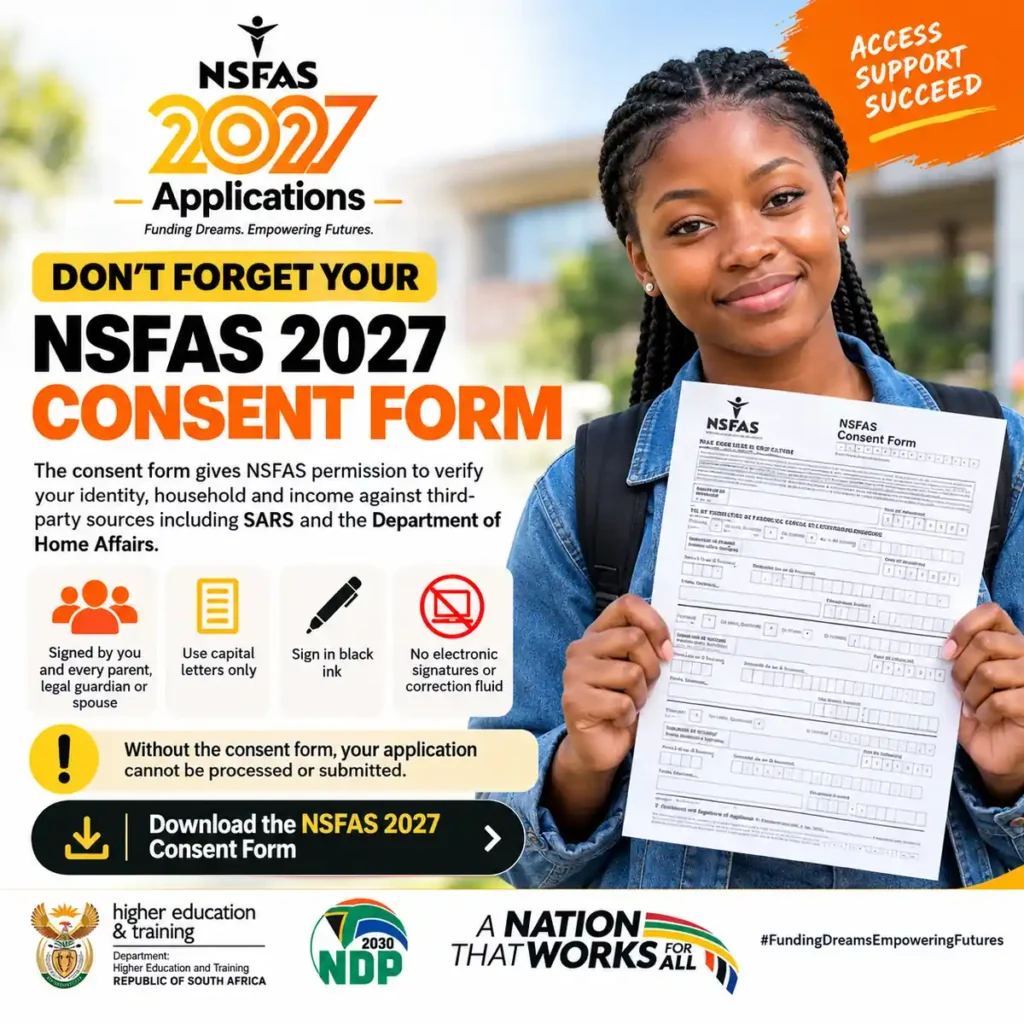
Applicants should read through the form before writing anything. This can reduce the chance of making mistakes that require corrections.
NSFAS also advises against using correction fluid. If a correction is necessary, applicants should follow the instructions on the form concerning corrections and initials.
Check the form before submitting it
Once the form has been completed, review it before uploading it to the application.
Make sure:
- You are using the current 2027 version.
- All applicable sections have been completed.
- The information is written in capital letters.
- Black ink has been used.
- All required signatures are present.
- Electronic signatures have not been used.
- Correction fluid has not been used.
- The information matches your application and official documents.
If you are taking a photograph of the form with your phone, place it on a flat surface and use good lighting.
The complete page should be visible, including the corners and signatures. Avoid photographs with glare, shadows or blurred writing.
Why the consent form matters
The consent form should not be treated as an optional extra.
NSFAS states that an application without an accurate, completed and signed consent form cannot be assessed for financial eligibility. Its FAQ also states that an application without the required completed and signed consent form may be closed and marked “REJECTED.”
This is why applicants should deal with the form early rather than waiting until the application deadline.
NSFAS 2027 application dates
Students should keep the official application period in mind when preparing their documents.
Applications opened: 18 September 2026
Closing date: 31 October 2026
Applicants should not leave their application until the final day. Completing the process early gives them more time to identify missing information or respond if additional documentation is required.
After submitting an application, applicants should continue checking their myNSFAS profile for updates.
What happens after applying?
Submitting an NSFAS application is not necessarily the end of the process.
Applicants should monitor their myNSFAS account for changes to their application status and any requests for additional information.
It is also useful to keep copies of documents submitted during the application process. If NSFAS requests information later, having the relevant documents available can make it easier to respond.
Applicants should also make sure their contact information is accurate so that they do not miss important communications.
Other documents may be required
The consent form is not necessarily the only supporting document an applicant will need.
Requirements can vary according to an applicant’s circumstances. NSFAS provides additional forms and supporting-document requirements for certain situations, including applicants with disabilities and applicants who qualify under orphan and vulnerable child provisions.
Students should therefore check the requirements that apply to their own application.
Do not assume that another applicant’s document list will be exactly the same as yours.
Avoid NSFAS application scams
Students should be careful when receiving offers of help with NSFAS applications.
NSFAS warns applicants not to share their passwords or one-time PINs with other people. Students should also be cautious of anyone asking for payment to submit an application or claiming that they can guarantee funding.
The NSFAS application process is free.
Use the official NSFAS website and myNSFAS platform when submitting an application or checking its progress.
Frequently Asked Questions
When did NSFAS 2027 applications open?
NSFAS 2027 applications opened on 18 September 2026.
When do NSFAS 2027 applications close?
The current application information gives 31 October 2026 as the closing date.
Can I electronically sign the consent form?
No. The current NSFAS instructions state that electronic signatures are not accepted.
What ink should I use?
The form should be completed using black ink.
Does the form have to be completed in capital letters?
Yes. NSFAS instructs applicants to complete the form in capital letters.
Who needs to sign the form?
The applicant must sign where required. The applicable parent or legal guardian must also sign, while married applicants should complete the relevant spouse section where applicable.
Can I use correction fluid?
NSFAS advises against using correction fluid. If a correction is necessary, follow the instructions provided on the form.
Where can I download the form?
Applicants should obtain the latest 2027 consent form directly from the official NSFAS website.
Official NSFAS information
For the latest application information, forms and requirements, applicants should use the official NSFAS website:
nsfas.org.za
Requirements can change between application cycles, so students should verify current information rather than relying on instructions from previous years or unofficial social-media posts.
Main NSFAS 2027 applications checklist
Before submitting your application, confirm that you have:
- The current 2027 consent form.
- Completed the form by hand.
- Used capital letters and black ink.
- Obtained all applicable signatures.
- Avoided electronic signatures and correction fluid.
- Checked that your information is accurate.
- Uploaded a clear and complete copy.
- Prepared any other documents relevant to your circumstances.
- Submitted your application before 31 October 2026.
- Checked your myNSFAS profile after submission.
The NSFAS consent form is a small part of the overall application, but completing it correctly is important. Preparing it early and checking the details before submission can help applicants avoid preventable document problems.
Students should always verify the latest requirements directly through NSFAS before submitting their 2027 application.
Related article: 2027 NSFAS applications open – students urged to submit applications early

Karabo Ntswaki – Author of CareersFocus.co.za
Karabo Ntswaki is passionate about empowering South Africans with reliable, verified, and easily accessible information about careers and education. Through CareersFocus.co.za, Karabo’s mission is to support students, job seekers, and young professionals by providing accurate guidance on learnerships, internships, bursaries.
Her vision is to make CareersFocus.co.za the most trusted online source in South Africa for career and educational information, helping individuals overcome barriers, make informed decisions about professional goals. you can contact me at info@careersfocus.co.za or our website https://careersfocus.co.za/